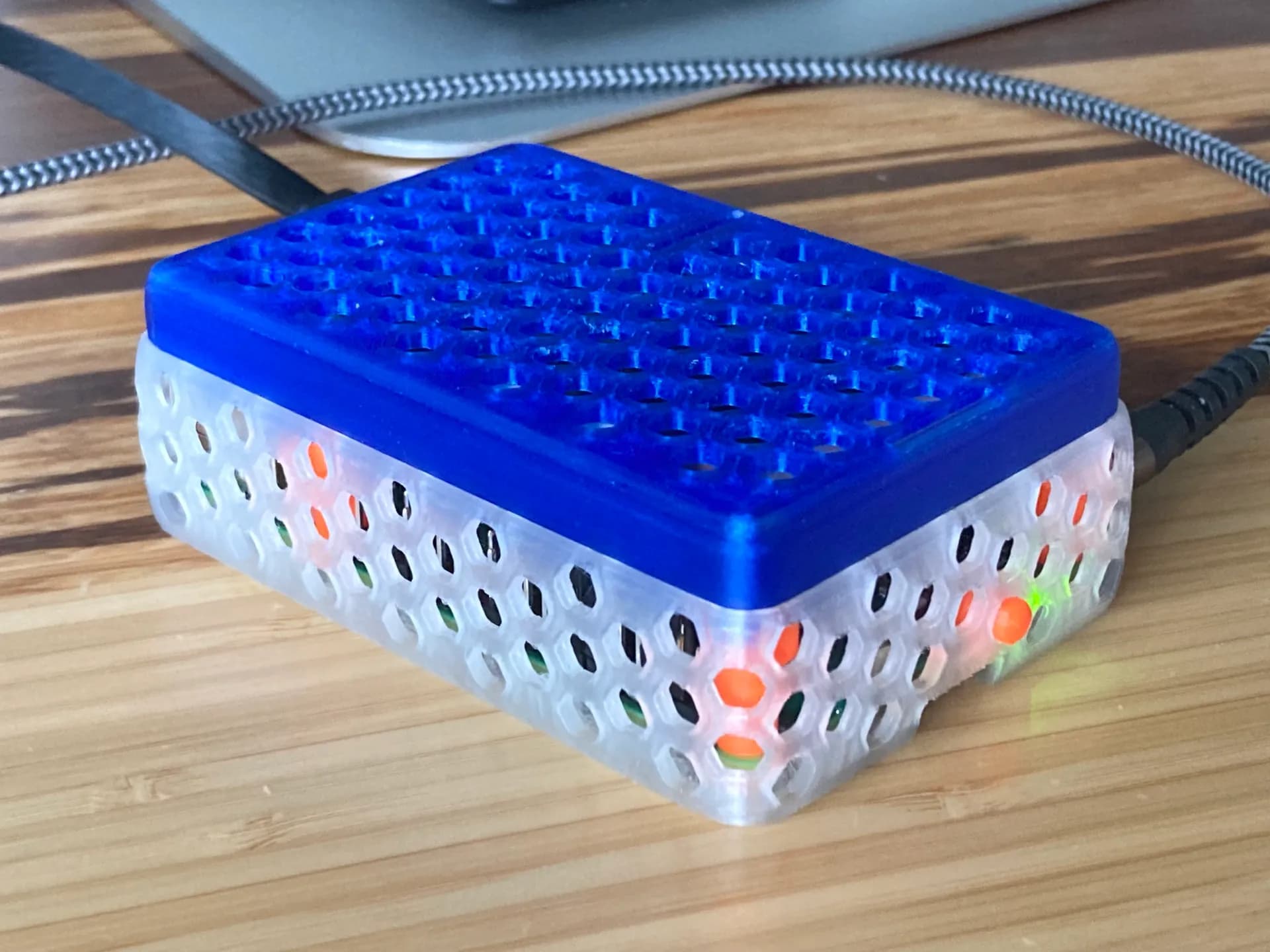
If you use a Raspberry Pi 5 on your desk, in the living room or anywhere close to you, the official Active Cooler can be noticeable. It keeps temperatures under control, but the small fan is not as quiet as many people would like.
A common maker solution is to replace it with a Noctua NF-A4x10 5V PWM, a 40 mm fan that is almost silent and very well built.
The problem: it does not fit most cases
The Noctua fan is thicker than the fan on the official Active Cooler. That extra height means it will not fit in the official case or in many existing Raspberry Pi 5 cases.
You need a case designed specifically for that fan.
The solution: HexCase
The HexCase design solves exactly that. It is a modular 3D printed case with:
- a base for the Raspberry Pi 5 and power button
- a raised section that creates room for the fan
- a press-fit top cover, with no screws required for the lid
The ventilated hex pattern also helps airflow. It is a practical case rather than just a cosmetic shell.
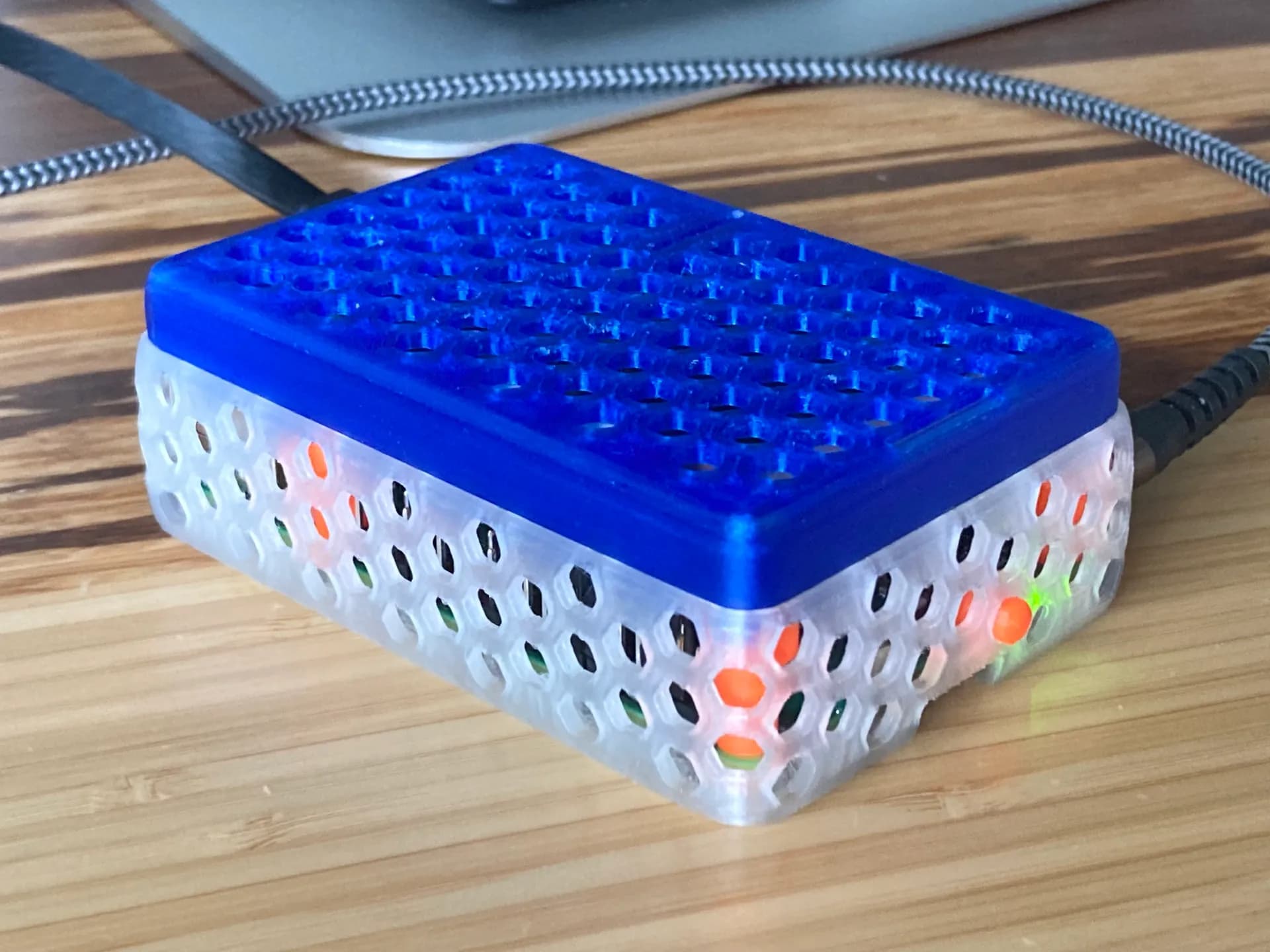
HexCase for Raspberry Pi 5 with Noctua Fan
HexCase for Raspberry Pi 5 with a Noctua 40 mm fan.
What you need
- Noctua NF-A4x10 5V PWM fan
- 3D printed case parts
- Dupont wires for the GPIO fan control connection
Recommended material: PLA is enough for most setups. PETG is also a good option if you want a tougher case for long-term use.
Assembly overview
- Insert the power button into the base.
- Place the Raspberry Pi 5 in the base.
- Add the raised section above the board.
- Place the Noctua fan on top.
- Connect the wires to the GPIO header following the fan-control instructions.
- Press-fit the lid, starting from the USB/Ethernet side.
Remove the SD card before assembling or opening the case, to avoid damaging it.
PWM fan control
The Noctua fan supports PWM control, so the Raspberry Pi can adjust speed based on temperature. With a proper fan-control script, the fan stays almost silent most of the time and only ramps up under heavier load.
Is it worth it?
If your Pi 5 is hidden in a rack where noise does not matter, the official cooler may be enough. But if it is near you, the upgrade is absolutely worth considering.
A quiet fan and a printed case designed around it make the Raspberry Pi 5 much nicer to live with.
Want us to print the case for you? Open the model, choose material and color, and we will prepare the parts.